
Mastering AI Music Is Both Art and Science. Stop Treating It as One or the Other.
I love measurements. I love data. I love watching how things show up on the meters.
It doesn't matter if it's music I'm producing, business metrics, economic trends, or the weather — I am wired to find the numbers. To find the measurements. To look at what the data is telling me and use it to make better decisions. It is one of the reasons I am drawn to AI as a production tool. The data is everywhere and it is honest.
But I also trust my gut. I check in with my own center of being. What do I feel is happening? What are my senses picking up that the meters are not?
It is the combination of both of these things that produces the best outcomes. And nowhere is that more true than in the mixing and mastering process for AI music.
Here is the problem I see constantly. Creators approach mastering as a purely technical problem. They learn the target numbers — -14 LUFS-I for Spotify, -1 dBTP true peak ceiling, zero clips — and they chase those numbers until they hit them, then call the track done. The measurements check out. The track gets uploaded. And it sounds flat, mechanical, and lifeless compared to everything else on the playlist.
This is what happens when you treat mastering as pure science.
The other failure mode is equally common. Creators trust their ears entirely and ignore the measurements. The track sounds great to them in their headphones. It feels finished. It feels right. They upload it. On phone speakers it disappears. On a car stereo it's harsh. In a playlist it sounds significantly quieter than everything around it. Their ears told them one thing and the meters would have told them something very different — if they had looked.
This is what happens when you treat mastering as pure art.
The truth is that mastering AI music is both, and the best decisions happen in the overlap.
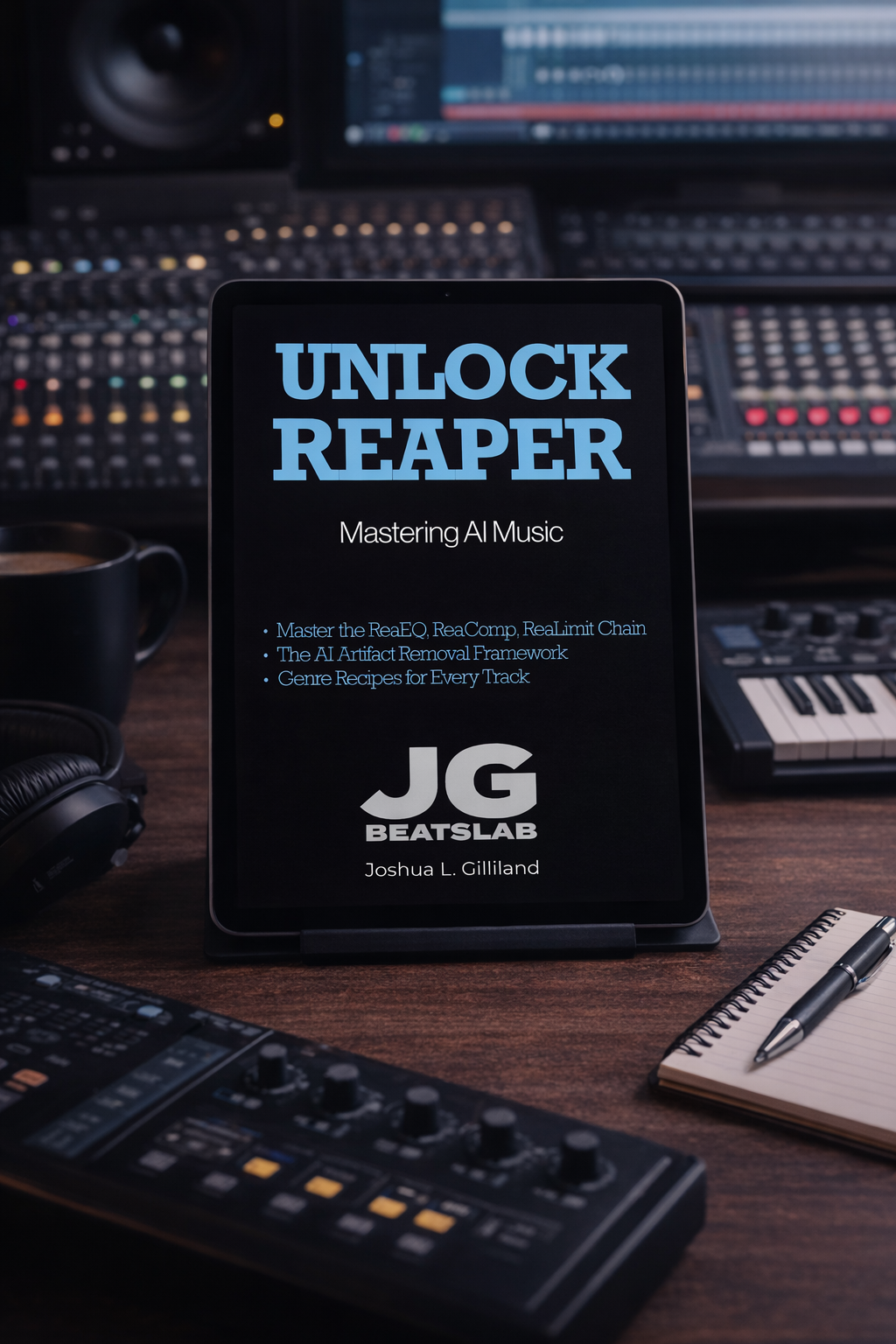
Your AI track sounds like a demo. Here's the fix.
Most AI music creators stop at export. They download the file from Suno, post it, and wonder why it sounds thin, muddy, or quiet next to everything else on the playlist. The problem isn't the generation. It's that the raw export was never a finished master — it was raw material. This book is what happens next.
Unlock Reaper: Mastering AI Music is the complete mastering guide for AI-generated tracks. Using Reaper's free native plugins — ReaEQ, ReaComp, and ReaLimit — you'll build a professional mastering chain from scratch, hit the LUFS targets that streaming platforms require, and walk away with masters that sound finished.
No expensive plugins. No prior mastering experience required. Just the workflow, explained clearly, by someone who has mastered hundreds of AI-generated tracks across every genre.
━━━━━
WHAT'S INSIDE [PDF + ePub — Instant Download]
✓ The complete Reaper setup — install, configure, and import your first AI track in under 20 minutes
✓ Train Your Ears — how to identify the four most common problems in AI-generated audio before you touch a plugin
✓ ReaEQ — shape the tone, clean up the mud, and open the air without killing the character of the track
✓ ReaComp — add glue, control dynamics, and make your track feel cohesive without squashing the life out of it
✓ ReaLimit + LUFS — hit the loudness targets for Spotify, Apple Music, and YouTube without distortion or clipping
✓ Export workflow — the exact render settings, file format, and quality check process before you distribute
✓ Genre Recipes — specific starting points for Country, Lo-Fi Hip Hop, Synthwave, Pop, and more
✓ When Things Go Wrong — the most common mastering problems and exactly how to fix them
✓ The Complete Workflow Checklist — from raw Suno export to finished master, every step in order
━━━━━
WHO THIS IS FOR
This book is written for AI music creators who have never used Reaper — and who are ready to learn it properly.
If you're already comfortable in Reaper, you probably don't need this. There are genre-specific settings and AI-track-specific techniques you might find useful, but this book starts from the beginning and assumes no prior experience with the DAW.
If you're looking for a one-click fix that makes your tracks sound professional in five minutes, this isn't that either. Mastering takes time to learn. The first time you build the chain it will feel unfamiliar. The tenth time, it will feel automatic. And when it clicks — when you hear the difference between your raw Suno export and your finished master — you will never go back to posting unmastered tracks again.
The creators who commit to learning this workflow don't just make better-sounding music. They make music that competes. That's the payoff for the patience.
If that's the commitment you're ready to make, this is the guide that walks you through it.
━━━━━
Want the Full System: The Red Lab Library
Unlock Reaper is one book. The Red Lab Library is the entire system, in one place, for one price.
✓ All seven books: Unlock AI Music, Unlock Suno: The Complete Guide, Unlock Music Rights and Registration, Unlock Music Promotion, Unlock Mureka, Unlock Reaper, and The AI Music Revolution
✓ Red Lab Protocol research reports: blind-tested platform comparisons
✓ Red Lab Case Studies: end-to-end production breakdowns of real tracks
✓ Genre Blueprints: tested prompt frameworks ready to use, the majority Red Lab Exclusive
✓ The Field Notes and the Quick Start Kit
✓ The 3-Song Sprint course
Hundreds of creators across dozens of countries. $97, one time. No subscription.
jgbeatslab.com/store/p/red-lab-library
━━━━━
AFTER PURCHASE:
You'll see a download button on screen immediately. A download link will also be emailed to you — check your spam folder if you don't see it. Need help? Visit jgbeatslab.com/order-help
Here is how I think about it in practice. The measurements are your map. They tell you where you are relative to where you need to be. Peak levels tell you if you have headroom or are clipping. LUFS-I tells you how loud your finished track will sound on streaming platforms relative to everything else. LRA tells you how much dynamic range you're working with. The Dry Run in Reaper gives you all of these numbers in one second before you touch a single plugin. That is your map. You need it. A hiker without a map is just walking.
But your ears are your destination. They tell you what the map cannot. They catch the metallic shimmer in the upper mids that shows up as a specific frequency artifact in AI-generated audio but doesn't necessarily set off any alarm in the meters. They catch the low-mid haze that makes the mix feel cloudy even when the LUFS reading looks fine. They catch the moment when a track crosses from "technically correct" to "actually finished" — and that moment is not always visible on a meter.
In the perfect scenario, your ears and your tools are completely in agreement. The numbers hit their targets, the mix sounds exactly right, and you call it done with confidence from both directions. That is the best case and it happens more often than you might think once you have built the habit of running both checks simultaneously.
But sometimes they disagree. Sometimes everything on the meters looks fine and your ears are telling you something is still off. Sometimes your ears love it and one number is sitting outside the target range. These are the moments that require judgment, not formula.
My rule: if the gap between what the meters say and what my ears say is small — within a reasonable tolerance on both sides — and I can find an equilibrium that satisfies both, that is my done. That is FINAL. A small degree of difference between target and reality, resolved through a balanced decision between art and science, is a finished track.
What I do not do is call something done when either side is drastically off. If the meters are significantly outside target range, my ears cannot override that — something is technically wrong and it will show up on playback systems I haven't tested on. If my ears are telling me something is genuinely not right but the meters look fine, I trust the ears and dig deeper, because the meters are not hearing everything.
The system is simple: use the measurements to get close, use your ears to get there, and use your judgment to know when both are telling you the same thing.
Ears and tools. Art and science. Neither one alone is enough.
If you want the full mastering workflow — every measurement, every plugin, every decision point in the chain — Unlock Reaper: Mastering AI Music covers it end to end. $8.99 at jgbeatslab.com. And if you're an RLA member, it's already in your library.
