
Title: 4 Ways to Master Your AI Tracks (And Why Only One Actually Works)
You've put real work into your track. The generation sounds good. You found your Golden Seed, iterated until it clicked, and exported the WAV.
Then you upload it to Spotify...and it sounds flat. Quiet. Amateur compared to everything else in the playlist.
That's not a generation problem. That's a mastering problem.
And you've got four options for dealing with it.
Option 1 — Do nothing.
Send the raw export straight to your distributor. Skip mastering entirely.
I see this constantly. The generation sounds decent in headphones so the creator assumes it's ready. It isn't. Raw AI exports aren't optimized for streaming loudness standards. They sit 6-10 LUFS below commercial releases. On a playlist, your track sounds like it's playing from another room.
Skipping mastering isn't a workflow choice. It's shipping unfinished product.
Option 2 — Use an AI mastering tool.
There are several of these. eMastered, LANDR, Masterchannel, iZotope Ozone's AI mode. They're fast, cheap, and better than nothing.
Better than nothing...but only slightly.
In Red Lab Protocol #3 — our AI Mastering Shootout — we ran blind tests across multiple automated mastering platforms. Standardized scoring criteria. Independent evaluation. Human ear verification across every genre tested.
The results were underwhelming across the board. Every automated tool optimized for average. They apply generic processing to every track regardless of what the track actually needs. For AI-generated music specifically — which comes with its own artifact profile, frequency quirks, and dynamic characteristics — that generic approach consistently fell short.
Option 3 — Pay a professional.
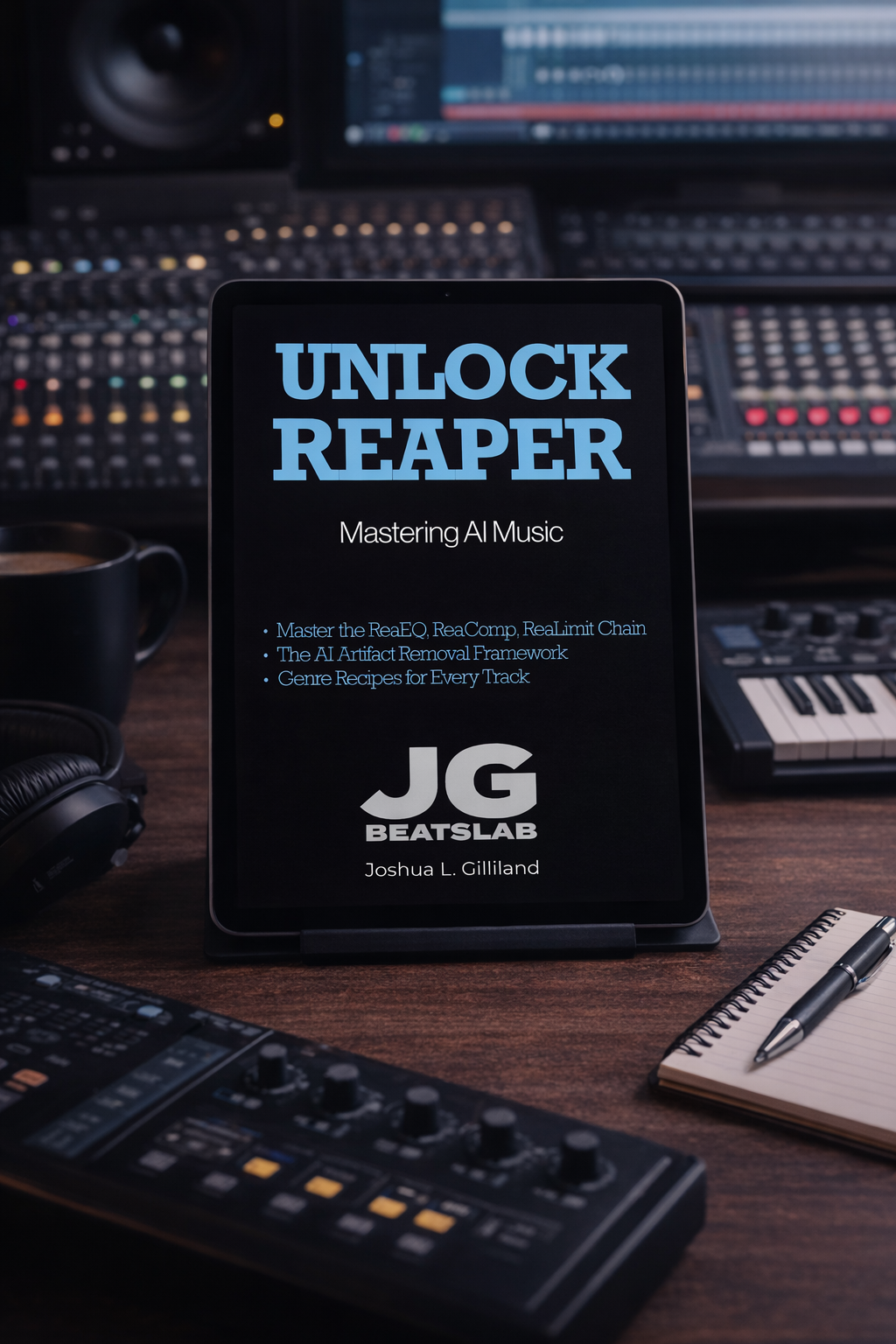
Your AI track sounds like a demo. Here's the fix.
Most AI music creators stop at export. They download the file from Suno, post it, and wonder why it sounds thin, muddy, or quiet next to everything else on the playlist. The problem isn't the generation. It's that the raw export was never a finished master — it was raw material. This book is what happens next.
Unlock Reaper: Mastering AI Music is the complete mastering guide for AI-generated tracks. Using Reaper's free native plugins — ReaEQ, ReaComp, and ReaLimit — you'll build a professional mastering chain from scratch, hit the LUFS targets that streaming platforms require, and walk away with masters that sound finished.
No expensive plugins. No prior mastering experience required. Just the workflow, explained clearly, by someone who has mastered hundreds of AI-generated tracks across every genre.
━━━━━
WHAT'S INSIDE [PDF + ePub — Instant Download]
✓ The complete Reaper setup — install, configure, and import your first AI track in under 20 minutes
✓ Train Your Ears — how to identify the four most common problems in AI-generated audio before you touch a plugin
✓ ReaEQ — shape the tone, clean up the mud, and open the air without killing the character of the track
✓ ReaComp — add glue, control dynamics, and make your track feel cohesive without squashing the life out of it
✓ ReaLimit + LUFS — hit the loudness targets for Spotify, Apple Music, and YouTube without distortion or clipping
✓ Export workflow — the exact render settings, file format, and quality check process before you distribute
✓ Genre Recipes — specific starting points for Country, Lo-Fi Hip Hop, Synthwave, Pop, and more
✓ When Things Go Wrong — the most common mastering problems and exactly how to fix them
✓ The Complete Workflow Checklist — from raw Suno export to finished master, every step in order
━━━━━
WHO THIS IS FOR
This book is written for AI music creators who have never used Reaper — and who are ready to learn it properly.
If you're already comfortable in Reaper, you probably don't need this. There are genre-specific settings and AI-track-specific techniques you might find useful, but this book starts from the beginning and assumes no prior experience with the DAW.
If you're looking for a one-click fix that makes your tracks sound professional in five minutes, this isn't that either. Mastering takes time to learn. The first time you build the chain it will feel unfamiliar. The tenth time, it will feel automatic. And when it clicks — when you hear the difference between your raw Suno export and your finished master — you will never go back to posting unmastered tracks again.
The creators who commit to learning this workflow don't just make better-sounding music. They make music that competes. That's the payoff for the patience.
If that's the commitment you're ready to make, this is the guide that walks you through it.
━━━━━
Want the Full System: The Red Lab Library
Unlock Reaper is one book. The Red Lab Library is the entire system, in one place, for one price.
✓ All seven books: Unlock AI Music, Unlock Suno: The Complete Guide, Unlock Music Rights and Registration, Unlock Music Promotion, Unlock Mureka, Unlock Reaper, and The AI Music Revolution
✓ Red Lab Protocol research reports: blind-tested platform comparisons
✓ Red Lab Case Studies: end-to-end production breakdowns of real tracks
✓ Genre Blueprints: tested prompt frameworks ready to use, the majority Red Lab Exclusive
✓ The Field Notes and the Quick Start Kit
✓ The 3-Song Sprint course
✓ Fader, your AI Studio Manager
Hundreds of creators across dozens of countries. $97, one time. No subscription.
jgbeatslab.com/store/p/red-lab-library
━━━━━
AFTER PURCHASE:
You'll see a download button on screen immediately. A download link will also be emailed to you — check your spam folder if you don't see it. Need help? Visit jgbeatslab.com/order-help
This is a legitimate option. A good mastering engineer understands what your track needs and delivers results the automated tools can't match.
If you have the budget and you'd rather spend your time elsewhere, hire it out. Nothing wrong with that approach.
The reality for most independent AI music creators: the economics don't work at scale. If you're releasing regularly — building a catalog, submitting to playlists, distributing across platforms — paying per track adds up fast. And you're permanently dependent on someone else for the last step of your own production process.
Option 4 — Learn to do it yourself.
Reaper is a professional DAW with a free 60-day trial and a $60 license. No subscription. No expensive third-party plugins required. The mastering chain that outperformed every automated tool in Red Lab Protocol #3 uses only Reaper's built-in native plugins — ReaEQ, ReaComp, and ReaLimit.
That's the chain I teach in Unlock Reaper: Mastering AI Music.
The book starts from zero — install, configure, import your first AI track — and walks through the complete mastering chain step by step. ReaEQ for tone shaping. ReaComp for dynamics and glue. ReaLimit for hitting streaming loudness targets safely. Genre-specific starting points built specifically for the frequency profiles and artifact characteristics that AI-generated tracks actually have.
The first time you build the chain it takes a couple of hours. The tenth time it's automatic. And every track you master after that costs you nothing but time.
BETTER results than the AI tools. CHEAPER than hiring it out. Yours forever once you know it.
Your tracks deserve a proper master.
The generation did its job. The last step is yours.
Unlock Reaper: Mastering AI Music is $8.99
Already a Red Lab Access member? This book is already inside your library waiting on you.
