Suno Is Not a Prompt Box. It Is a Ten-Layer Production Stack.
You hit Generate. The vocal belts when you wanted restraint. The arrangement swells when you wanted space. The second chorus sounds like a different song. You regenerate. Same problem, different version. You burn credits chasing consistency you cannot find.
Most users diagnose this as a prompting problem. It is not. The gap between what you want and what Suno gives you is almost always a systems problem, not a phrasing problem. You are reaching for the prompt when you should be configuring the stack.
The Suno Stack has ten layers. Most users operate two or three of them. That is why the output reads as generic, why the voice changes between generations, why the genre lane drifts inside a single track. Catalog-grade consistency requires operating all ten in coordination. Here is what each layer actually controls.
The Foundation Layers
Stop operating a vending machine. Start directing Suno.
Most people using Suno are operating a vending machine. They press generate, accept what comes out, and wonder why their tracks sound like everyone else's.
The problem is not the prompt. The problem is rarely the prompt.
Under v6, it isn't even the prompt you typed. Suno rewrites it before generating.
Suno generations are the result of nine layers stacked on top of each other. Model. Persona. Voices. My Taste. Prompt. Songsheet. Studio. DAW. Rights and provenance.
Each layer constrains what the others can do. A vocal that keeps drifting toward male when you wanted female is not a prompt problem. It is a Persona layer problem. A track that pulls toward one era when you specified another is not a prompt problem either. It is the genre prior interacting with the rewrite.
Fix the wrong layer, the problem persists. Identify the right layer, the fix takes thirty seconds.
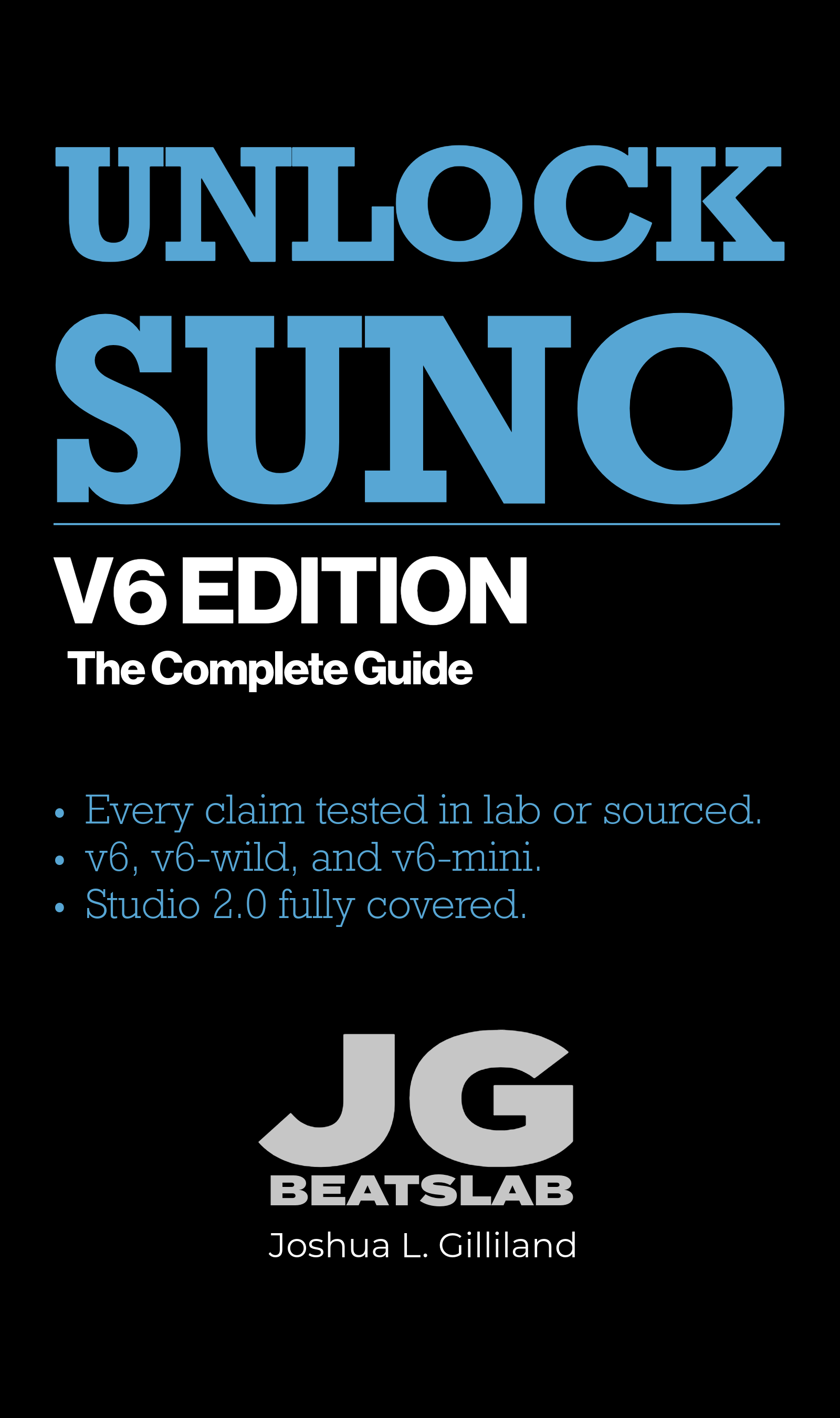
The Complete Guide gives you the framework.
"Suno felt like a crapshoot. I would enter lyrics and vague instructions and just hope for the best. This book makes me feel more like a producer rather than a helpless user. I now have a workflow and a methodology." — Verified Purchase
━━━━━
What You're Getting
Six parts. 24 chapters. Seven appendices. Full coverage of the v6 family and Studio 2.0.
This is the most rigorous, current, actionable professional guide to Suno on the market. Not a tips collection. A methodology textbook for serious creators.
Suno v6 launched on September 9, 2026, and every previous model was retired. This edition is a full rebuild for v6 and Studio 2.0, with testing run in the first week the new models were live.
━━━━━
The Methodology Frameworks
The Suno Stack — the nine-layer mental model that tells you which layer your generation problem is actually living on. Stop fixing the wrong thing.
The Edit Ladder — eight rungs from a single word change to a full regeneration, ordered from least destructive to most, so you stop rebuilding songs that only needed a repair.
Failure Diagnosis Framework — four categories of generation failure and the recovery protocol for each.
Studio Salvage Protocol — rebuilt for Studio 2.0, using take lanes and non-destructive section replacement.
━━━━━
What You'll Master
The Suno Stack — diagnose generation problems at the right layer
The v6 family — v6, v6-wild, v6-mini, and routing by specification
The prompt rewrite — what v6 changes before it generates, and how to control it
Identity systems — Custom Models, Personas, Voices, and My Taste across a catalog
The constraint hierarchy — what v6 enforces and what it quietly overrides
Songsheet engineering — tags, hard stops, bar planning, silence as structure
Full Studio 2.0 coverage — MIDI editing, the wavetable synth, chat-designed plugins, take lanes, automation, effects, Remove FX, Warp Markers
Inline modifiers — capitalization and punctuation as performance direction
DAW handoff protocols — stems and export workflows that survive the move to Reaper
Rights and provenance — redrafted from Suno's current terms of service
Every claim in this book names its source. Red Lab testing means it was measured here. Suno's documentation means it came from the platform. Field reports means other producers observed it. Nothing is written as more certain than the evidence behind it.
$12.99 standalone — or included with JG BeatsLab Membership.
━━━━━
Want the Full System: JG BeatsLab Membership
Unlock Suno is one book. The Membership is the entire system, in one place, for one price.
✓ All seven books: Unlock AI Music, Unlock Suno: The Complete Guide, Unlock Music Rights and Registration, Unlock Music Promotion, Unlock Mureka, Unlock Reaper, and The AI Music Revolution
✓ Red Lab Protocol research reports: blind-tested platform comparisons
✓ Red Lab Case Studies: end-to-end production breakdowns of real tracks
✓ Genre Blueprints: tested prompt frameworks ready to use, the majority Red Lab Exclusive
✓ The Field Notes and the Quick Start Kit
✓ The 3-Song Sprint course
✓ Fader, your AI Studio Manager
✓ 20% off mastering, forever, plus 3-day priority turnaround
Every update to every book, free, for as long as JG BeatsLab publishes. This rebuild went to members the day it shipped.
Hundreds of creators across dozens of countries. $97, one time. No subscription.
jgbeatslab.com/store/p/red-lab-library
━━━━━
Format
Instant digital download — PDF and ePub. Text-only technical manual optimized for print and e-readers. No blurry screenshots. 100% actionable operational data.
━━━━━
After Purchase
You will see a download button on screen immediately. A download link will also be emailed to you — check your spam folder if you do not see it. Need help? Visit jgbeatslab.com/order-help
Base Model. v4.5, v5.0, v5.5 each have a different signal profile, a different adherence behavior, and a different production bias. v5.5 is approximately 2 dB quieter than v5.0 with more headroom and more high-frequency air, which makes it useful for stem work and downstream mastering. It is also a normalization engine: when your prompt asks for something inside its commercial-cinematic target lane, it delivers cleanly. When your prompt asks for niche genre, raw aesthetic, or minimal production, v5.5 will accept the prompt and quietly override it. Choosing the wrong model for the job is the single most common and most expensive mistake in the workflow. The newest model is not always the right model.
Custom Model. A personalized version of the base model trained on your own catalog. When active, it shapes the arrangement patterns, the instrumentation fingerprint, the energy profile, the genre behavior. Custom Models learn your repeated decisions, not your aspirations. Feed them experiments and they learn nothing useful. Feed them deliberate, consistent decisions and they define a sound that becomes recognizable across releases.
The Identity Layers
Persona. The captured vocal and stylistic identity of a specific Suno-generated singer. Without a Persona, the singer changes between generations. The voice you found on track 4 disappears on track 5. With a Persona, the same artist shows up every time. Persona is what makes a catalog cohere as a body of work rather than a sequence of disconnected experiments.
Voices. Your own vocal identity used as a directional influence on the generated output. Not voice cloning. The output is not you singing. It is Suno singing with your voice as a behavioral reference. Useful for demo work and for personal identity in catalog building. Requires verification, requires calibration, and breaks in predictable ways.
My Taste. A passive personalization layer that shapes the Magic Wand's style suggestions based on your generation history. Useful when you are working inside a consistent lane. Actively counterproductive when you are working outside it. The toggle exists for a reason. Use it deliberately, and turn it off when you switch projects.
The Generation Control Layers
Prompt. The song-level brief. The weakest control layer in the stack when it conflicts with the model's production priors. The prompting work is not about writing better prompts. It is about understanding what prompts can and cannot do, and building the layers underneath so the prompt does not have to carry everything by itself.
Songsheet. The formatted content of the Lyrics Box. Section tags, lyric formatting, punctuation as performance instruction, silence as arrangement. Structural control lives here, not in the Style Prompt. The model will honor an eight-bar verse before it honors "sparse arrangement" in a Style Prompt sentence. Sections, modifiers, and bracketed tags are the actual structural language. The Style Prompt handles timbre and atmosphere. The Lyrics Box handles structure.
The Repair and Release Layers
Studio. The repair environment inside Suno. Remove FX, Warp Markers, Alternates, stem separation, multitrack export. Where you fix what the generation got wrong before the track leaves Suno. The Studio Salvage Protocol (a named JG BeatsLab methodology built from Red Lab Protocol research) lives here. Studio is not optional polish. It is the layer that turns raw generation into stems ready for downstream production.
DAW. The release gate. Nothing leaves the lab without passing through it. The model's output is raw material, not a finished master. The DAW is where mastering happens, where the human creative decisions register as copyrightable contributions, and where the track gets prepared for streaming platform delivery. Skip the DAW and you have an unfinished sketch, regardless of how good the generation sounded inside Suno.
Rights and Provenance. The documentation layer. Subscription status at generation, source material rights, Custom Model dataset rights, Voice consent, archive discipline, PRO registration. Commercial rights, copyright eligibility, and release readiness are three separate questions. Each has its own documentation requirement, and the answers travel with the catalog forever.
Why Operating Two Layers Out of Ten Produces Generic Output
A user who operates only the Prompt and the Songsheet is steering a ten-layer production environment with two levers. The Base Model defaults to whatever the user last opened. The Custom Model is empty. The Persona is unset, which is why the singer changes track to track. The Voices and My Taste settings are whatever a stranger configured the account with. The Studio repair pass never happens, so artifacts stay in the audio. The DAW never opens, so the master is whatever Suno spit out raw. The Rights and Provenance documentation does not exist, so the catalog has no audit trail.
The output reflects the input. Two layers of control produce two layers of output: a prompt, then a result. Ten layers of control produce a coordinated production: a recognizable artist, a consistent sound, a clean stem set, a finished master, and a documented release.
That gap is the entire methodology. The full ten-layer breakdown, including the model routing decision framework, the constraint hierarchy from Red Lab Protocol #6, the Studio Salvage Protocol, and the chapter-by-chapter walkthrough of every layer's failure modes and repair patterns, lives in Unlock Suno: The Complete Guide. The book is $9.99 individually. The Minimum Starter Kit at $27 includes it alongside Unlock Music Promotion and Unlock Music Rights and Registration.
